EPG Guide for IPTV: Find Shows Quickly
An EPG guide for IPTV turns a long channel list into a clear schedule. Instead of scrolling forever, you see what is on now and what comes next. This BuffStream walkthrough covers time zones, favourites, catch-up and simple habits that keep the guide useful in Canadian homes.
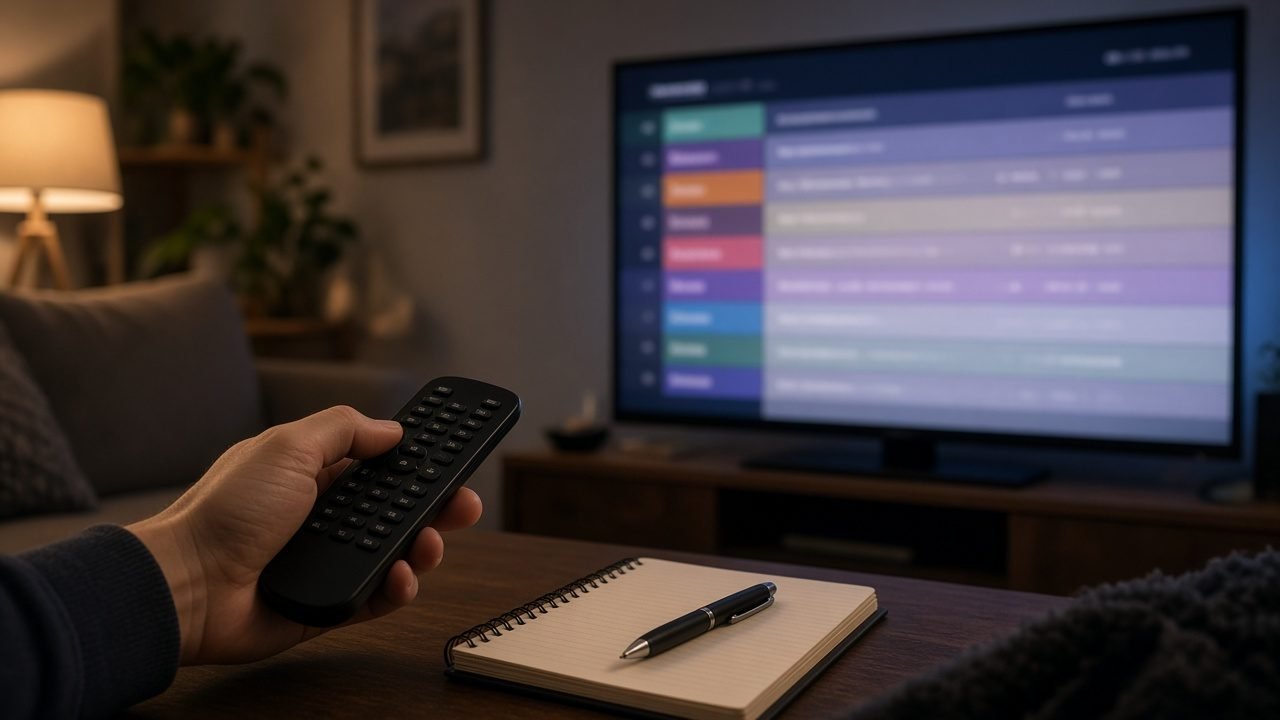
BuffStream delivers 57,000+ live channels and 235,000+ movies and series on demand. The 7-day program guide sits on top of that line-up. Once you learn a few controls, finding news, kids shows or a weekend sports stream gets much faster.
What an EPG guide for IPTV actually shows
EPG means electronic program guide. In plain terms, it is the on-screen schedule for live TV. Each row is a channel. Each column is a time slot. You can scroll sideways through the day and look ahead for several evenings.
BuffStream’s guide covers seven days. That window is long enough for weekly shows and weekend plans. Meanwhile, catch-up on supported channels lets you replay recent broadcasts after they air. As a result, a late shift in Calgary or a delayed supper in Halifax still works.
The guide also helps when you share a plan. One person can scan tonight’s news. Another can check a kids group. A third can peek at live sports channels. Therefore the whole household wastes less time arguing over the remote.
Set the time zone before you trust the grid
Canada spans six time zones. So a supper-hour newscast in Toronto is not the same clock time in Vancouver. Newfoundland sits thirty minutes off as well. If the offset is wrong, every listing looks early or late.
First, open your player’s EPG settings. Then set the offset to your local zone. After that, refresh the guide. Finally, spot-check a channel you know well. For example, evening news should land near the time you expect.
Travellers face the same issue. A hotel stay in Montreal after a week in Edmonton can shift the grid again. So change the offset when you change cities. Otherwise you will miss the start of a show by hours.
How to use an EPG guide for IPTV day to day
Open the guide from the player menu, not from a random channel. Then jump to a group you care about, such as news or kids. Next, scroll to the current hour. Also, use search when you know the show title.
- Favourites first: star the stations you open every night, then browse only that short list.
- Guide search: type a city, a sport or a language when the full list feels huge.
- Now and next: many remotes jump to the current slot with one button.
- Daily refresh: reload the guide once a day so late changes appear.
In addition, hide groups you never watch. Older Fire TV sticks and Android boxes open faster with fewer folders. Our BuffStream setup guide shows where those switches live on common devices.
Catch-up, VOD and the live schedule
The live grid is only one piece. Catch-up keeps recent shows on supported channels for a while. Video on demand sits in separate Movies and Series sections. So you can mix a live newscast with a film later the same night.
That mix suits condo evenings and long winters indoors. For instance, you can watch local news live, then finish a series episode from the library. Likewise, weekend sports viewing fits better when you check the guide in the morning and set a reminder in your head.
If you mainly care about live TV, see our page on how to stream live TV Canada. Sports fans can also skim live sports IPTV Canada for package tips. Still, the EPG remains the daily map for both.
Fix blank rows in your EPG guide for IPTV
Blank rows happen. Sources update. Servers rebalance. A channel may move to a new group. Therefore a favourite can look empty even when the stream still works.
Start with a playlist refresh. Then refresh the guide itself. After that, search the channel by name. If the listing stays blank, note the channel and the time, then message support on WhatsApp. The team can point you to the current entry.
Also, avoid judging the guide on a weak Wi-Fi hop. A stalled download can leave half the grid empty. Move closer to the router, or use Ethernet when the TV sits far from the access point. Apartment viewers can read our tips on IPTV for apartments Canada for noisy Wi-Fi floors.
EPG guide for IPTV habits that keep evenings calm
Small habits beat another app install. Build a favourites list on day one. Check the guide before supper. Keep one kids list and one news list if the household disagrees. Meanwhile, leave 4K off on slow condo Wi-Fi so the guide and the stream stay responsive.
Plans are one-time payments in US dollars with no auto-renewal. You can choose 2 or 3 devices at checkout. On the 12-month plan, adding a second or third device lowers the price. Compare options on the BuffStream plans page before you buy.
Rural fixed wireless and busy condo towers both benefit from the same patience. First, confirm the offset. Then refresh. After that, build favourites. Because the guide is only as good as the last refresh, make that click part of your evening start-up. Likewise, teach every adult in the home where the search box lives, so nobody scrolls for ten minutes again.
Get your IPTV subscription from BuffStream
Ready to stop guessing what is on? Get your IPTV subscription from BuffStream and put a clean EPG guide for IPTV on every screen you use. Ask for a free trial on WhatsApp first. Activation usually takes minutes after payment. Questions? Reach the team on the contact BuffStream page, or browse more posts on the BuffStream blog.
For background on how schedules work, see the electronic program guide article on Wikipedia.
Frequently asked questions
How many days does the BuffStream program guide cover?
BuffStream includes a 7-day EPG. Refresh the guide once a day so late schedule changes still appear.
Why do guide times look wrong after I travel?
Set the EPG time offset to your current zone. Otherwise listings from Newfoundland to Pacific look hours off.
Can I search show titles inside the guide?
Many players support guide search. Type a show name, then jump straight to the matching slot.
What should I do if a listing is blank?
Refresh the playlist and the guide first. Then message WhatsApp support with the channel name and the time you checked.