Smart TV IPTV Canada: Samsung and LG Guide
Smart TV IPTV Canada setups skip the cable box and stream live TV through the set you already own. BuffStream works on many Samsung and LG models, plus phones, tablets and sticks when you need a backup. This guide focuses on app installs, Wi-Fi habits and a free trial on the real living-room screen.
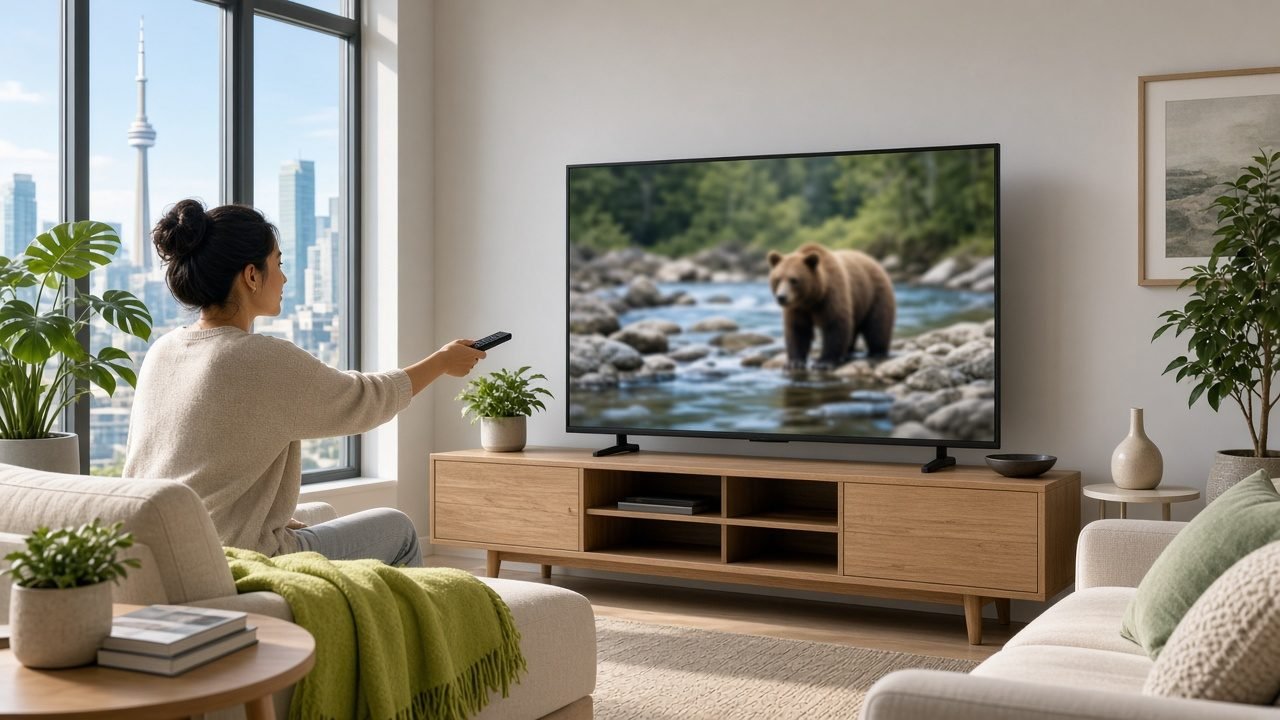
Condos in Toronto, townhomes in Ottawa and houses in Surrey all share one goal. They want news, sports and movies without another bulky receiver. So the Smart TV becomes the hub.
Why Smart TV IPTV Canada appeals to renters and owners
A Smart TV already has apps, speakers and a remote. Therefore, fewer cables sit behind the stand. You also avoid buying a box on day one.
That said, TV processors vary by year. Older sets may feel slow with huge lists. In that case, a stick is still a fair Plan B. First, though, try the TV app path during a trial.
BuffStream plans are one-time payments with no auto-renewal. Prices start at US$12.99 for one month. The 12-month plan is US$74.99. Your issuer converts to CAD at checkout.
Install steps for Samsung and LG screens
Exact menus differ by brand. Still, the flow stays similar.
- Update the TV software before you install anything.
- Then open the app store and search for a compatible IPTV player, or follow the link support sends on WhatsApp.
- Next, enter your Xtream codes or M3U details.
- Finally, set date and time to automatic for a correct 7-day guide.
After login, pin a short favourites list. As a result, grandparents and kids find channels faster. Meanwhile, hide groups you never use so the grid stays tidy.
If the store blocks a player, ask support for the current path. Our BuffStream setup guide also covers Fire TV and Android boxes as backups.
Smart TV IPTV Canada and home Wi-Fi reality
Smart TVs often sit far from the router. Thick floors and elevators in high-rises weaken the signal. Because of that, evening sports can stutter even when your phone looks fine.
- Place the router in a central hallway when you can.
- Also prefer 5 GHz for the TV if the signal stays strong.
- Then pause cloud backups during live games.
- In addition, test speed on the TV browser, not only on a phone.
Some sets accept a USB Ethernet adapter. Of course, that is optional. Still, a wired link is the most stable fix in dense apartments.
What you can watch once the app is running
BuffStream carries 57,000+ live channels and 235,000+ movies and series. Canadian national and regional news, local city stations and English entertainment sit alongside French-language options with a light touch. US network affiliates, kids channels, PPV events and international packages are included too.
Live sports channels and premium sports packages matter on weekends. Catch-up helps when a show aired while you were on a late shift. Likewise, the on-demand library fills quiet weeknights in winter.
For a sports-focused browse, see our landing on live sports IPTV Canada. For city context in Alberta, visit IPTV in Calgary.
Smart TV IPTV Canada checklist before you subscribe
Spend one evening on a free trial. Play the channels you care about most. Then open catch-up and the guide once each.
Confirm picture quality at your usual brightness. Also check audio through the TV speakers or a soundbar. If two rooms need simultaneous streams, choose 2 or 3 devices at checkout.
Questions about logins or devices? Use the contact BuffStream page. After you pay, our refund policy covers 24 hours for genuine service issues only. Cancellation for change of mind is not a refund reason.
Soundbars that support Smart TV IPTV Canada nights
Smart TVs often drive a soundbar through HDMI-ARC. First, confirm the bar wakes with the TV. Then test live news at a normal volume. Distorted audio usually means the wrong HDMI input, not the subscription.
HDMI-CEC can power the stick and TV together. That helps guests. However, conflicting CEC names sometimes fight for the remote. In that case, turn CEC off on one device and keep a single remote within reach.
Also teach one person the favourites row. As a result, nobody hunts through every group on Sunday night. Meanwhile, keep the TV software updated so the player store stays available.
When a stick still helps beside a Smart TV
Some hotel-mode TVs or older firmware block new apps. Therefore, keep a spare Fire TV Stick in a drawer. It costs little and saves a blank weekend.
A stick also helps if you rent for a season and cannot change the TV store settings. Plug in, install the 8K Player and log in. Then pack it when you leave. Of course, erase the stick before you return a leased unit.
Compare living-room layouts on the stream live TV Canada landing if you want a wider household view. In short, the Smart TV path is first, and the stick is insurance.
Seasonal viewing rhythms in Canadian homes
Winter evenings stretch for hours. Kids want cartoons after school. Adults want news and sports after dinner. Because of that, a clear favourites list matters more than a huge unsorted grid.
Summer cottages add another wrinkle. Rural Wi-Fi can be slower than city fibre. So test HD first. Then try higher quality only if the line holds. Likewise, limit a second simultaneous stream unless you chose extra devices at checkout.
Choose a BuffStream plan for your Smart TV
Compare lengths and device counts on the BuffStream plans page. Then return to the BuffStream homepage when you are ready to start. For background on connected television hardware, read the Smart TV article on Wikipedia.
In short, a clean app on the set you own is often enough. A stick remains a cheap backup if the TV store is limited.
Frequently asked questions
Can BuffStream run on my Smart TV without a stick?
Often yes on many Samsung and LG models. If the TV app store lacks a suitable player, a Fire TV Stick or Android box is a simple backup.
Why does my Smart TV buffer only at night?
Building Wi-Fi is usually busier then. Move the router closer, use 5 GHz when possible or add a short Ethernet adapter if your TV supports it.
Do I need a separate login for each Smart TV?
Each active screen counts as a device. Choose 2 or 3 devices at checkout if two rooms will stream at the same time.
Is there a free trial before I pay?
Yes. Ask on WhatsApp, test your main channels on the TV you actually use and only then pick a plan.