IPTV Buffering Fixes for Canadian Homes
Need practical IPTV buffering fixes that actually help in Canadian homes? Most freezes come from Wi-Fi, peak-hour congestion or a bitrate that is too high for the room. This BuffStream checklist starts with quick wins, then moves to deeper checks.
BuffStream streams 57,000+ live channels and a large on-demand library over your broadband line. The service cannot rewrite a weak condo signal. However, a few habits fix a large share of stalls before you ever message support. These IPTV buffering fixes focus on the path inside your home first.
Quick IPTV buffering fixes to try first
Start with the simple steps. They take minutes and solve many evening freezes.
- Restart the stick or TV app: close the player fully, then reopen it.
- Reboot the router: wait a full minute before powering it back on.
- Move closer: even a few metres can change a weak 5 GHz link.
- Lower quality: pick HD instead of Ultra HD on busy Wi-Fi.
- Test at the same hour: noon speed means little if you watch at eight.
Also, pause downloads on phones and laptops in the same room. Background updates steal the same airtime your stream needs. As a result, the picture stops spinning as often.
Change the Wi-Fi band if your router offers both 2.4 GHz and 5 GHz. The 5 GHz band is usually cleaner near the TV. However, it fades faster through walls. So try both before you buy new hardware. Afterwards, forget the weaker network on the stick so it does not hop back automatically.
Wi-Fi versus Ethernet in apartments and houses
Wi-Fi is convenient. Ethernet is steadier. Thick walls on the Prairies, concrete condo slabs in Toronto and crowded towers in Vancouver all hurt wireless links. So run a cable when the TV sits far from the router.
Many Fire TV sticks accept a USB Ethernet adapter. Android boxes often have a native LAN port. Smart TVs sometimes hide a jack behind the panel. Meanwhile, a mesh node near the living room can help when a cable is impossible.
Apartment viewers should also reduce interference. Place the router in the open. Avoid tucking it in a cabinet. For more building-specific tips, read IPTV for apartments Canada.
Bitrate, devices and one-connection rules
Each extra screen adds load. If two people watch at once on a one-device plan, both streams fight. Choose 2 or 3 devices at checkout when the household needs parallel viewing. On the 12-month plan, adding a second or third device lowers the price.
Older sticks struggle with heavy Ultra HD. Therefore a newer Fire TV Stick or an Android box can cut stalls even on the same Wi-Fi. Our Android TV IPTV Canada guide covers stick and box setup. Smart TV owners can skim smart TV IPTV Canada for built-in app notes.
Keep only the apps you use. Too many background processes on a cheap stick leave less room for the decoder. Then the buffer empties and the spinner returns.
Power-line adapters help in older houses where Ethernet cannot reach the TV. Still, treat them as a backup, not magic. Test them in the evening. Also, avoid placing the adapter behind a metal media cabinet. Because interference rises there, the link can drop just when a live match gets busy.
Phone hotspots work for short news clips. They drain data quickly on long movies. Therefore use them only while you fix the main Wi-Fi. Afterwards, return to the home router so costs stay predictable.
Peak-hour IPTV buffering fixes for sports nights
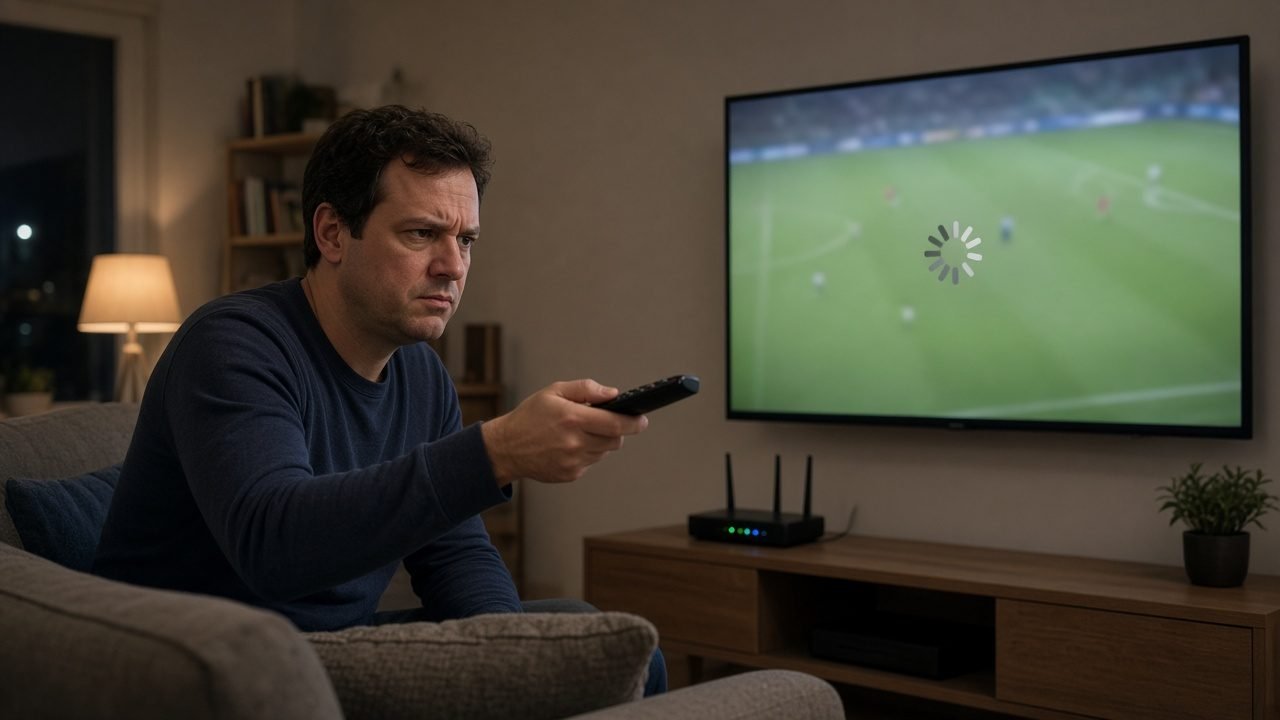
Evenings are the stress test. After supper, whole floors stream at once. Weekend sports viewing adds another spike. So run your speed test on the streaming device itself around eight o’clock, not at noon.
Aim for a steady result, not a single lucky peak. HD usually needs a reliable 10 Mbps or so. Ultra HD needs far more. If the line dips every few seconds, lower the quality first. After that, consider Ethernet.
Sports fans who plan Saturday nights can also browse weekend sports streaming Canada and live sports IPTV Canada. Still, the network checklist above matters more than any channel tip when the picture freezes.
When IPTV buffering fixes need more than Wi-Fi
Sometimes the home network looks fine. Other apps play smoothly. Speed tests look healthy. In that case, note the channel name, the time and whether catch-up fails too. Then message BuffStream on WhatsApp.
Support can check whether a single stream path is struggling. Refresh the playlist as well, because a stale group can point at a weak entry. Our BuffStream setup guide shows the refresh steps. The M3U playlist explained post covers login reloads if the list itself fails to load.
Refunds stay limited to genuine service issues within 24 hours of payment when support cannot fix the fault. Change of mind is never a refund reason. Plans are one-time payments in US dollars with no auto-renewal.
Write down what you already tried. List the reboot, the cable test and the quality change. Then support can skip the basics. In short, clear notes speed up a real fix. Meanwhile, keep watching on a second device only if your plan allows it, so you do not create a new conflict while troubleshooting.
Factory-reset a stick only as a last step. First, clear the player cache if the app offers that button. Next, reinstall the player. Finally, paste the login again from WhatsApp. Because a reset wipes every app, save time by exhausting lighter steps first.
Get your IPTV subscription from BuffStream
Want fewer freezes on movie night? Apply these IPTV buffering fixes, then test BuffStream on your own line. Get your IPTV subscription from BuffStream and ask for a free trial first. Compare lengths on the BuffStream plans page, or reach the team via contact BuffStream.
For a general overview of streaming delivery, see the Internet Protocol television article on Wikipedia.
Frequently asked questions
What internet speed do I need for BuffStream?
As a rough guide, a steady 10 Mbps or more suits one HD stream. Ultra HD needs much more. Stability matters as much as the headline speed.
Why does buffering happen only in the evening?
Condo Wi-Fi and neighbourhood networks get busy after supper. Test at night, move closer to the router or switch to Ethernet.
Should I lower the stream quality?
Yes, on weak Wi-Fi. A stable HD picture beats a 4K stream that pauses every minute.
When should I contact BuffStream support?
If Wi-Fi tests look fine and other devices stream well, message WhatsApp with the channel, time and a short note. The team can check the stream path.