Android TV IPTV Canada: Stick and Box Tips
Android TV IPTV Canada setups are popular because a small box or stick turns any HDMI screen into a live TV hub. BuffStream works on Android TV boxes, Google TV devices and Fire TV sticks with our free 8K Player. This guide covers install steps, network tips and a calm trial before you pay.
Canadian homes from Halifax to Victoria often keep one main TV and a spare stick for travel. So the same login can move with you. Below, we keep the steps short and practical.
What Android TV IPTV Canada needs before you start
First, confirm your device still receives updates. Then check that you have a steady internet line. Plan for about 20 to 25 Mbps per HD screen. For 4K, allow more headroom.
Also clear a few hundred megabytes of storage. Large channel lists need space. Meanwhile, place the router closer to the TV when you can. Congested condo Wi-Fi is a common cause of stalls.
Finally, decide how many people will watch at once. Each plan includes one device. However, you can choose 2 or 3 devices at checkout. On the 12-month plan, adding a second or third device lowers the price.
Install the free 8K Player on Android and Fire TV
BuffStream does not rely on a loaded box. Instead, you install a clean player and sign in.
- Open the message from support on WhatsApp and tap the download link.
- Then allow installs from that source only if your device asks.
- Next, open the 8K Player and enter your Xtream codes or M3U login.
- Finally, set the clock to automatic so the 7-day guide lines up.
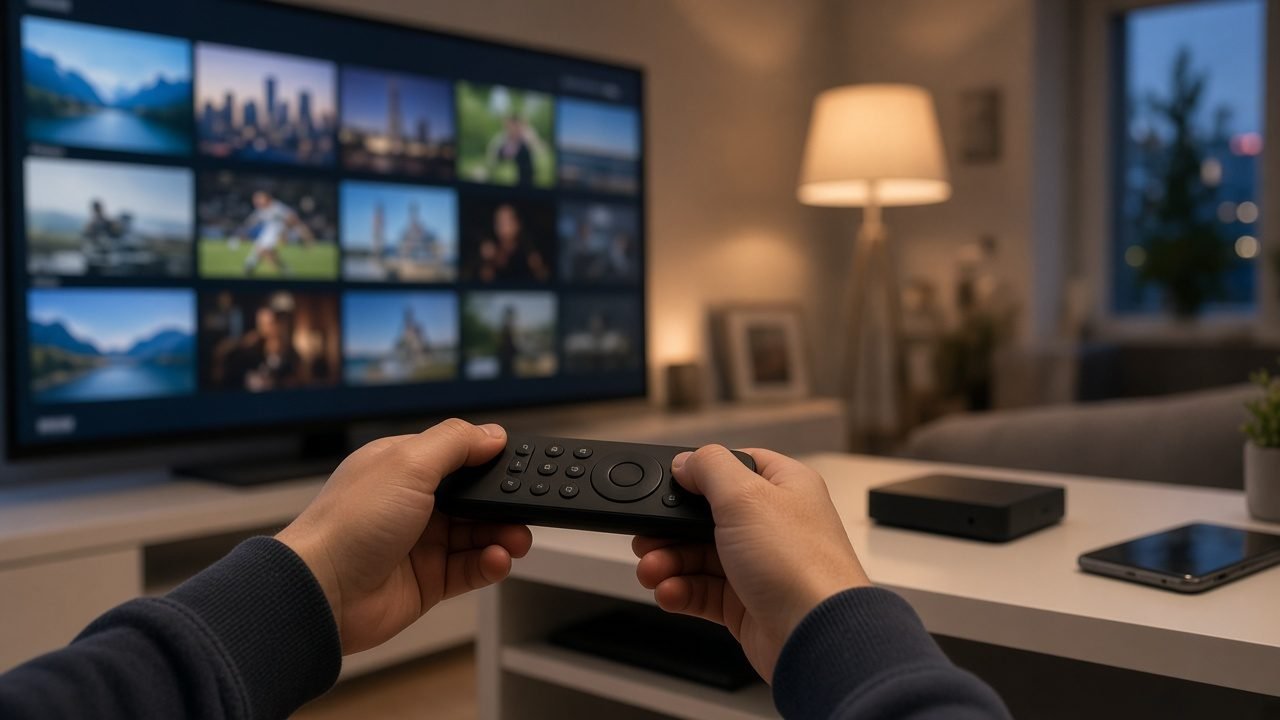
As a result, you get live channels, catch-up where supported and a clear channel grid. Favourites sit at the top once you pin them. In short, the remote feels familiar after a few nights.
Android TV IPTV Canada on sticks versus boxes
A Fire TV Stick is quiet and easy to pack. It suits a guest room or a weekend cabin. That said, sticks lean on Wi-Fi and have less storage.
An Android TV box usually adds an Ethernet port and more memory. Therefore, big lists scroll more smoothly. Boxes also stay cooler behind a media unit. For example, a basement den with thick walls often benefits from a wired box.
Samsung and LG Smart TVs can run apps too. Still, many renters prefer a stick they can remove later. Our BuffStream setup guide walks through each path.
Network habits that keep evening streams stable
Evening hours are the busiest window across Canadian cities. Because of that, small network habits matter.
- Prefer Ethernet for the main living-room screen.
- Also pause large downloads while a match is on.
- Then reboot the stick if the guide looks empty.
- In addition, keep the device on the 5 GHz band when walls allow it.
If buffering continues, test speed on the TV itself. Of course, a phone test in another room can mislead you. After that, message support with your city, device model and a short clip of the stall.
Channels, guide and catch-up on Android screens
BuffStream includes 57,000+ live channels and 235,000+ movies and series on demand. You will find Canadian national and regional news, local stations from major cities and US network affiliates. Live sports channels and premium sports packages sit beside kids and international groups.
The 7-day program guide helps you plan the week. Catch-up, on channels that support it, lets you replay a show from earlier in the day. So a late shift in Calgary or a delayed flight into Toronto does not mean missing the evening news.
Build a short favourites list on day one. Then add sports and movie folders as needed. Likewise, hide groups you never open so the grid stays clean.
Try Android TV IPTV Canada on a free trial first
Before you buy, request a free trial on WhatsApp. Play three or four must-have channels at your usual evening hour. Also open the guide and test catch-up once.
Plans are one-time payments with no auto-renewal. Prices run from US$12.99 for one month to US$74.99 for twelve months. Your card issuer converts to CAD at checkout. Compare options on the BuffStream plans page.
After payment, activation is usually quick. Login details arrive on WhatsApp within minutes. Our refund policy allows 24 hours, and only for a genuine service issue support cannot fix. Change of mind is never a refund reason. That is why the trial comes first.
Favourites that keep Android TV IPTV Canada simple
After login, spend ten minutes on favourites. Pin news, sports and one kids group. Then hide folders you never open. As a result, the remote feels lighter for guests.
Some Android remotes have tiny keyboards. Therefore, set the password on a phone first if typing is awkward. Meanwhile, write the three buttons a grandparent needs on a small card. Tape it beside the TV for the first week.
Also turn on any parental pin your player offers before children explore the grid. Of course, adult profiles can keep the full list. In addition, reboot the stick once a week if the guide starts to lag.
Travel days with a stick in your bag
Many Canadians hop between cities for work or family. A Fire TV Stick packs easily in a carry-on. Then you plug into a hotel HDMI port and join the room Wi-Fi.
Before you leave, confirm your plan still covers the screens you will use. One device travellers can keep things simple. However, families who leave a home TV running may need a second slot. Test the stick on home Wi-Fi the night before you fly.
Public hotel networks vary. So start with HD rather than 4K. After that, raise quality once the stream looks stable. If login fails, message support on WhatsApp with the city and room network type.
Start streaming with BuffStream on Android TV
Ready to set up your living room? Begin on the BuffStream homepage, pick a plan and message the team through the contact BuffStream page if you need help. For background on the platform style itself, read the Android TV article on Wikipedia.
Want a wider look at live viewing options? Our landing on stream live TV Canada covers household use cases beyond boxes alone.
Frequently asked questions
Do I need a special Android box for BuffStream?
No. A plain Android TV or Google TV box, or a Fire TV Stick, is enough. Install our free 8K Player and log in with the details we send on WhatsApp.
Should I use Wi-Fi or Ethernet on an Android TV box?
Use Ethernet when the router is nearby. Wi-Fi works for many homes, but a cable usually cuts evening buffering in apartments.
Can I watch on a phone and an Android TV at the same time?
Yes, if you choose 2 or 3 devices at checkout. Each plan includes one device by default.
How fast is activation after payment?
Login details usually arrive on WhatsApp within minutes. Then open the 8K Player, sign in and start testing channels.