Multi Device IPTV Canada for Shared Homes
Multi device IPTV Canada setups matter when more than one person wants live TV at the same time. BuffStream lets you choose 2 or 3 devices at checkout so a basement den and a kitchen tablet can stream together. This guide explains who needs extra screens, how Wi-Fi holds up and how to test before you pay.
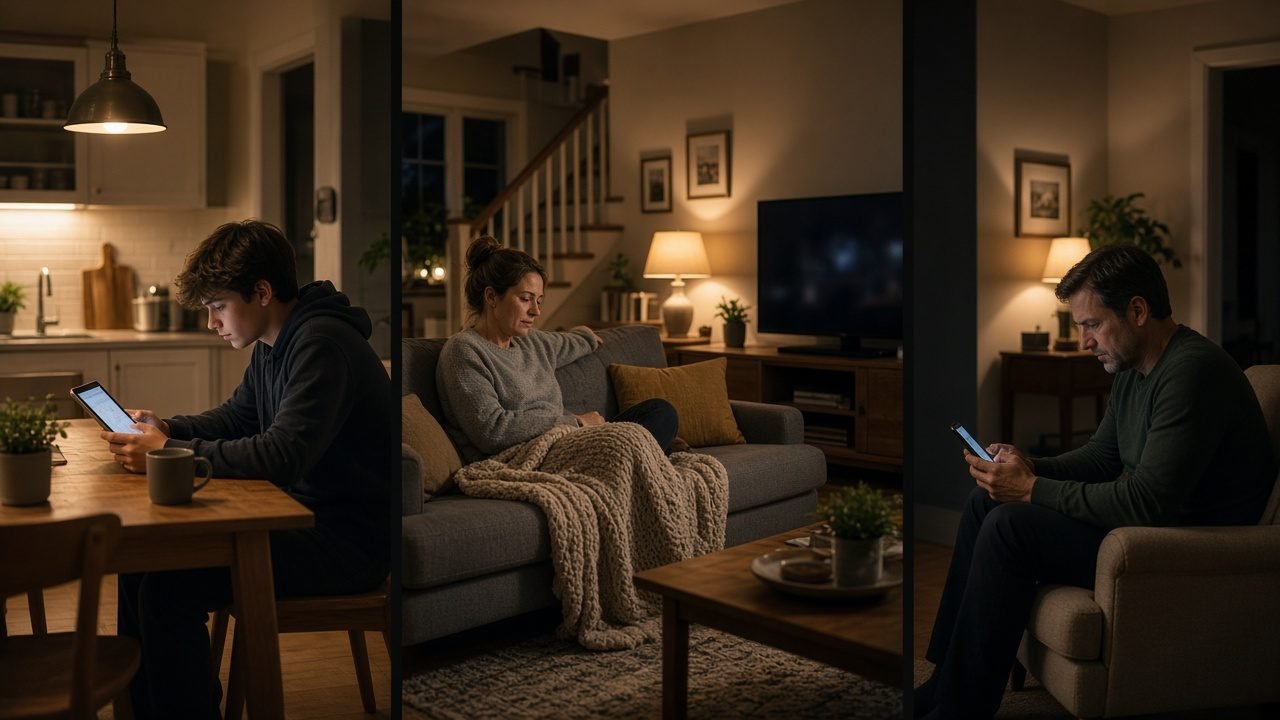
Shared homes are common across the country. Room-mates in Montreal, siblings in Winnipeg and multi-generational houses in Brampton all split viewing habits. Therefore, one login with enough device slots is simpler than several separate services.
When multi device IPTV Canada is worth choosing
Pick extra devices if two shows often overlap. For example, evening news upstairs and a kids cartoon downstairs. Likewise, weekend sports on the big screen and a series on a tablet need two slots.
One device is enough for a studio or a quiet couple. However, busy households save friction by planning ahead. First, count the screens that will stream at the same hour. Then ignore idle screens that only play once a month.
On the 12-month plan, adding a second or third device lowers the price. So longer terms often suit families who already know their routine.
How BuffStream counts devices at checkout
Each plan includes one device by default. At checkout, select 2 or 3 if you need them. Plans are one-time payments with no auto-renewal. Prices begin at US$12.99 for one month and reach US$74.99 for twelve months. The card issuer converts to CAD at checkout.
Activation is usually fast. Login details arrive on WhatsApp within minutes. Then install the free 8K Player on Android and Fire TV, or use a compatible Smart TV app. Our BuffStream plans page shows every length side by side.
Room-by-room setup for multi device IPTV Canada
Give each person a short favourites list. As a result, nobody scrolls past sports to find cartoons. Meanwhile, keep the 7-day guide on automatic time so listings match your province.
- Put the main TV on Ethernet when possible.
- Then place a stick or second TV on a strong 5 GHz link.
- Next, log a phone or tablet only when someone truly watches there.
- Finally, test both streams during a free trial at peak evening hours.
Catch-up helps staggered schedules. Because of that, a night-shift worker can replay a show after midnight. In addition, the on-demand library of 235,000+ movies and series covers quiet weeknights.
Wi-Fi capacity for two or three streams
Two HD streams need more than a single phone test. Plan for roughly 20 to 25 Mbps per HD screen. For 4K, allow more. Congested condo networks can still struggle, even on fast paper speeds.
- Pause large downloads while live sports are on.
- Also keep the router away from microwaves and thick concrete cores.
- Instead of guessing, run a speed test near each TV.
- Of course, wired links remain the most stable option for the main set.
If one room always buffers, move that device first. Then message support with device models and your city through the contact BuffStream page.
Content that shared Canadian homes actually use
BuffStream includes 57,000+ live channels. Households mix Canadian news, local stations, US network affiliates, kids packs and international groups. Live sports channels and premium sports packages usually claim the big screen on weekends.
French-language channels get a light touch for bilingual homes. PPV events appear when you need them. Meanwhile, travellers inside Canada can carry a stick for hotel TVs. For packing tips on the road, read travel with Canadian IPTV. For install steps at home, use the BuffStream setup guide.
Multi device IPTV Canada for room-mates and shift workers
Room-mates rarely share one schedule. One person may stream news at dawn while another watches a late game. Extra device slots stop those habits from colliding.
Shift workers benefit too. Catch-up covers shows that aired during a night shift. Meanwhile, a tablet in the kitchen can carry morning headlines without touching the living-room TV. In addition, guests can borrow a phone stream only if you still have a free slot.
Write a simple house rule. For example, the big TV owns sports on Saturday. Then other screens use on-demand titles. As a result, arguments about the remote drop quickly.
Kids rooms, basement dens and visitor sticks
Basement dens often sit far from the router. First, test Wi-Fi there at night. Then add Ethernet if the signal fades. A spare stick for visitors keeps your main login count honest.
Kids rooms need short favourites and a parental pin. Therefore, avoid leaving the full adult grid on that screen. Of course, you can still keep sports on the main TV upstairs. Likewise, tablets should sleep after a set hour if bedtime matters.
When someone moves out, remove their device from daily use. Renew later with the count you actually need. Compare lengths again on the plans page before the next term.
Also revisit favourites after a roommate change. Old sports pins can clutter the grid. Then run one evening trial with the new device count before a busy weekend. In addition, note which room actually streams daily so you do not pay for idle screens.
Trial, refunds and choosing your device count
Request a free trial on WhatsApp before you buy. Open two screens at once if that is your real habit. Then confirm the guide and catch-up on each device.
After payment, the refund policy allows 24 hours only for a genuine service issue support cannot fix. Change of mind is never a refund reason. For that reason, the trial is the right time to decide on 1, 2 or 3 devices.
Ready to map screens for your home? Visit the BuffStream homepage and compare plans. For a general overview of internet television delivery, read the IPTV article on Wikipedia.
Frequently asked questions
How many devices can I choose with BuffStream?
Each plan includes one device. At checkout you can select 2 or 3 devices. On the 12-month plan, adding a second or third device lowers the price.
Can two people watch different channels at once?
Yes, when your plan covers enough devices. One screen can play sports while another plays a kids channel or a movie.
Do phones and TVs count the same way?
Yes. Any active stream counts as a device, whether it is a Smart TV, Fire TV Stick, Android box, phone, tablet or computer.
What if I only need a second screen later?
Start with one device on a shorter plan if you are unsure. Then move to a multi-device option when the household routine is clear.